Key takeaways
- The AI chat box is a design shortcut, not a design decision—it hides capability instead of revealing it.
- Wrap language in structure: use inputs, generative UI, and editable outputs to turn guessing into direct manipulation.
- Design the job, not the model—start from the user's outcome, then decide how much conversation actually helps.
- Keep humans in control with preview, confirm, and undo to build trust in AI actions.
- As model access commoditises, the interface around the model becomes the real competitive edge.
Almost every AI product today converges on the same interface: a blinking cursor inside a text box. It works, it's familiar, and it ships fast. But when every experience looks identical, the interface stops being a differentiator and becomes a bottleneck. Thinking outside the box—literally the chat box—is fast becoming the sharpest edge a product team can hold in the AI era.
At Evocative Studio, we spend a lot of time in the messy middle between raw model capability and what a user actually wants to accomplish. The uncomfortable truth is that the text box is a design shortcut, not a design decision. It offloads all the interaction complexity onto the user, forcing them to imagine what to type, phrase it well, and interpret an unstructured wall of text in return. For many jobs, that is a downgrade from the graphical interfaces we spent thirty years refining.
Why the Text Box Became the Default
The chat interface won by accident. Large language models are conversational by nature, so the fastest path to a usable product was to expose the conversation directly. That made sense for a demo. It makes far less sense as a permanent interaction model for complex, repeatable tasks.
Consider the friction hiding inside a simple prompt window:
- The blank-page problem: users don't know what the system can do, so they under-ask or over-ask.
- Prompt fatigue: phrasing a request precisely is real cognitive work that most people would rather avoid.
- Unstructured output: a paragraph of prose is hard to scan, compare, or act on.
- No memory of intent: each message starts a small negotiation instead of building on a shared goal.
A text box hides the model's power behind a wall of ambiguity. Good design should reveal capability, not conceal it.
Thinking Outside the Box: What Better AI Interfaces Look Like
The alternative isn't to abandon language—it's to wrap language in structure. The most effective AI experiences we're building treat the model as an engine and the interface as a set of purpose-built controls on top of it.
Structured inputs over free text
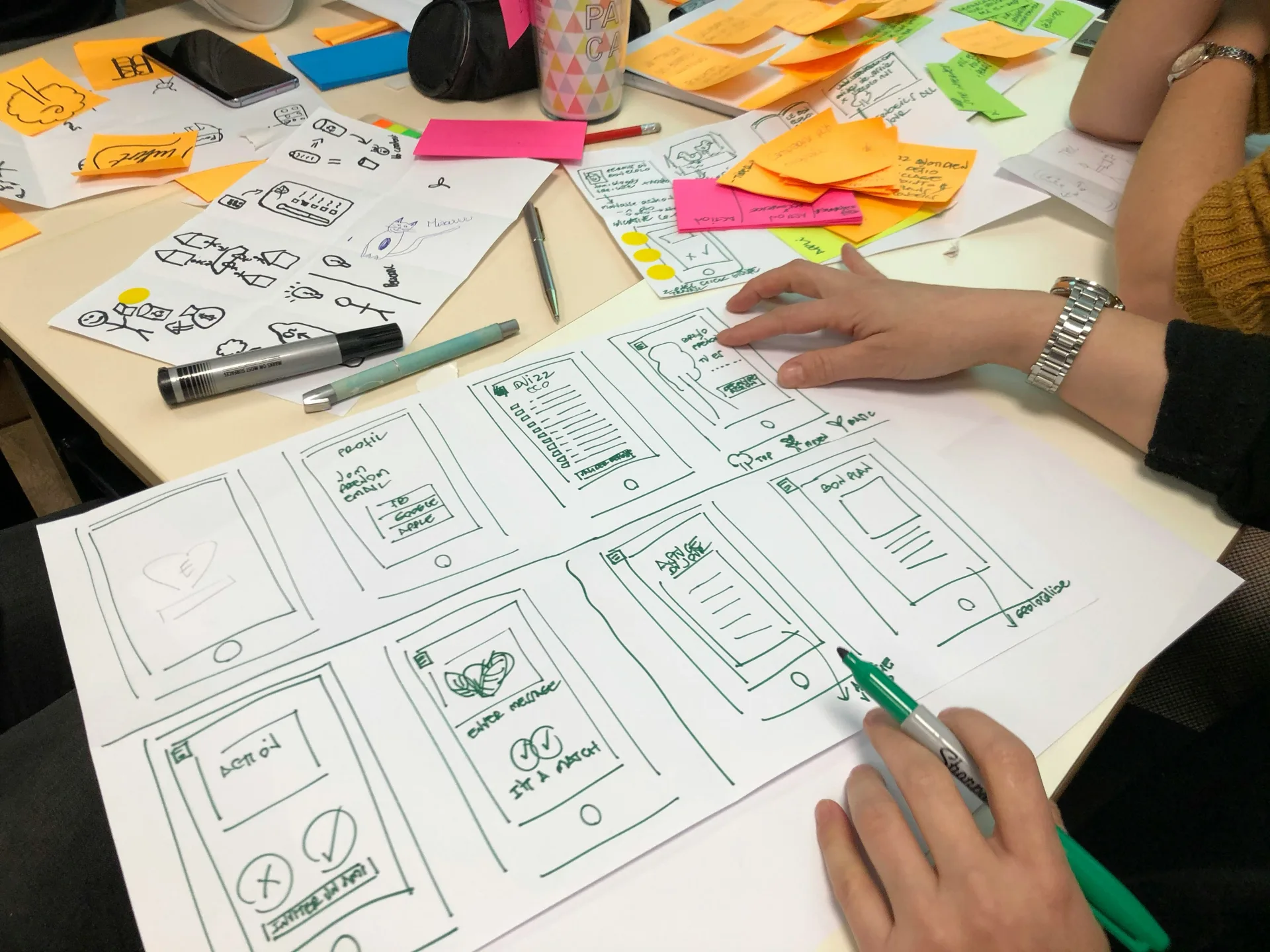
Instead of asking a user to describe what they want in a sentence, give them sliders, toggles, chips, and presets that map to the parameters the model actually cares about. The user expresses intent by manipulating objects on screen; the prompt is assembled behind the scenes. This turns a guessing game into direct manipulation.
Generative UI that responds to context
The model can generate more than text—it can generate interface. A well-designed AI assistant surfaces the right widget for the moment: a comparison table when you're evaluating options, a form when it needs specifics, an editable draft when you're refining copy. The interface becomes a conversation, but a visual one.
Actionable output, not just answers
An answer you can edit, approve, branch, or export beats an answer you have to copy and rebuild. Treat every AI response as a starting artifact the user can manipulate, not a final message to be read and dismissed.
Principles for Designers Navigating a Moving Field

The tooling is changing monthly, so anchoring to durable principles matters more than chasing the latest pattern. A few we hold to:
- Design the job, not the model. Start from the outcome the user needs, then decide how much conversation actually serves it.
- Make capability discoverable. If the system can do something, show it—don't wait for the user to guess the magic words.
- Keep the human in control. Preview, confirm, undo. AI that acts without a clear checkpoint erodes trust fast.
- Reduce the cost of being wrong. Cheap iteration—easy retries, editable outputs, visible reasoning—matters more than a single perfect response.
The Business Case for Going Beyond Chat
This isn't an aesthetic argument. Interfaces that reduce friction convert better, retain longer, and generate fewer support tickets. When users don't have to learn prompt-craft to get value, adoption widens beyond early enthusiasts to the whole team. And in a market where every competitor is shipping the same text box, an interface that genuinely fits the workflow is a defensible advantage.
The teams that win the next phase of AI products won't be the ones with the best model access—that's becoming a commodity. They'll be the ones who design the space around the model with intent: structured, contextual, and built for the actual work. The box was a convenient place to start. It was never meant to be where we stop.
Sources
- Thinking Outside The Box: Digital Design In The AI Era — Smashing Magazine
- Thinking outside the box (literally) — UX Collective