Key takeaways
- AI generates fast UI, but UX still demands empathy, framing and ethical judgement no model shortcuts.
- An AI-ready design system is legible to machines: tokens, documented intent, and a single source of truth.
- MCP bridges AI tools to your real components and tokens, preventing hallucinated, off-brand output.
- Encode ethics and brand rules once in the system so trust isn't re-litigated screen by screen.
- Start small—tokenise foundations, document key components, and pilot MCP on a low-risk surface.
The design conversation has fractured. Some teams read the rise of AI as the end of craft; others see the first genuine productivity leap in a decade. That lack of consensus isn't a reason to wait—it's a reason to build a design foundation sturdy enough to absorb whatever AI throws at it. The teams winning right now aren't arguing about whether AI belongs in the workflow. They're wiring it in, deliberately, through a design system that machines can actually read.
At Evocative, we think of this as making your design system AI-ready: a single source of truth that flows cleanly between code and Figma, so that generated output lands inside your guardrails instead of outside them. The emerging connective tissue here is MCP—Model Context Protocol—which lets AI tools query your real components, tokens and documentation rather than inventing plausible-looking fakes.
Why fast UI isn't the same as good UX
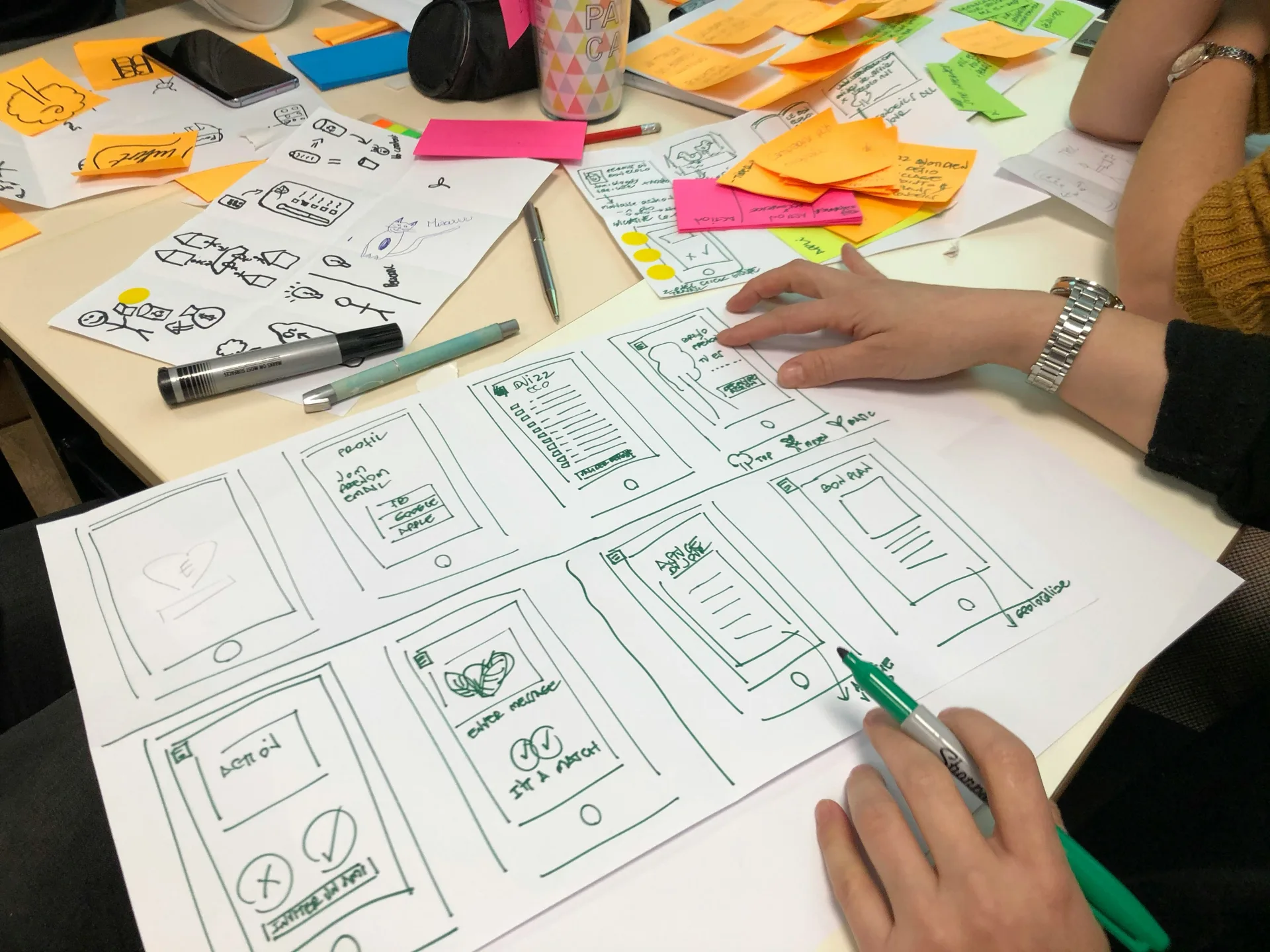
There's a seductive trap in generative tools: they produce polished screens in seconds and call it design. But a convincing button layout is not a solved user problem. AI-generated UI is fast design—it skips the parts that make experiences work: the empathy for who's using the product, the edge cases, the reasons behind each decision.
Empathy mapping remains the unglamorous first step that no model shortcuts for you. Visualising what users say, think, do and feel surfaces the gaps in your data before you commit pixels. When you feed that understanding into an AI-ready system, generation becomes a way to explore validated directions faster—not a way to automate away the thinking.
The trust problem is a design problem
Consider how a cute avatar can make people hand sensitive permissions to an AI agent they'd otherwise distrust. That's not an accident; it's design doing persuasive work. Which direction it pushes—toward genuine confidence or toward manipulation—is a choice baked into your components, copy and interaction patterns. A disciplined design system is where you encode those ethics once and reuse them everywhere, instead of re-litigating them screen by screen.
What makes a design system AI-ready

Most design systems were built for humans to read. An AI-ready one is also legible to machines. The difference lives in structure and metadata.
- Tokenised foundations: colour, spacing, typography and radii defined as named tokens, identical in code and Figma—so AI references spacing.md, not a hard-coded 16px.
- Documented component intent: each component carries not just props but purpose, do's and don'ts, and accessibility notes an AI can retrieve.
- A single source of truth: Figma and your code library stay in sync, so generated suggestions map to components that actually exist.
- Machine-readable guardrails: ethical and brand rules expressed as constraints, not tribal knowledge in someone's head.
Connecting code to Figma with MCP

MCP acts as a standardised bridge between AI assistants and your tools. Instead of an LLM guessing what your Card component looks like, it queries the live system: the real token values, the real variants, the real usage rules. Practically, that means:
- Generate a new screen in code that uses only your existing components and tokens.
- Round-trip design decisions between Figma and your repository without manual reconciliation.
- Keep AI output inside brand and accessibility guardrails by default, because the context it reads is the guardrail.
The payoff is speed that compounds instead of speed that creates cleanup. When the model can't hallucinate a component, your designers spend their time on judgement—on empathy, flows and trust—rather than policing inconsistent output.
How to start without boiling the ocean
You don't need a perfect system to begin. Start where the leverage is highest.
- Audit and tokenise your core foundations first; these are what AI references most.
- Pick five to ten high-traffic components and document their intent richly.
- Connect one AI tool via MCP to a non-critical surface and measure the quality delta.
- Encode one ethical guardrail—say, no dark-pattern consent flows—and verify generation respects it.
The industry won't reach consensus on AI's role any time soon, and design education is still reinventing its identity around it. That's precisely why the pragmatic move is architectural: build the system that stays useful regardless of which prediction turns out right. An AI-ready design system doesn't bet on a future—it makes several futures manageable.
Sources
- Design’s consensus was AI’s first casualty — UX Collective
- Federal pressure may force design education to rethink its identity — UX Collective
- Empathy Mapping: The First Step in Design Thinking — Nielsen Norman Group
- Is Meta’s new AI agent easier to trust because it’s cute? — UX Collective
- Beyond streaks and nudges: ethical gamification & AI design — UX Collective
- AI-generated UI is fast design, not UX — UX Collective