Key takeaways
- AI prototyping only works well on top of a tokenised, well-documented design system.
- Treat AI-generated code like a junior dev's pull request: generate, then diff and review.
- Use AI's speed to subtract and protect attention, not to pile on features.
- Taste and judgement remain human—AI handles translation, not decisions.
- Good design is a business multiplier: faster shipping, fewer tickets, higher conversion.
Ask a CFO why design matters and the honest answer isn't "it looks nice." It's that good design compounds: faster shipping, fewer support tickets, higher conversion, less rework. AI prototyping now sits right at that intersection. When you can turn a Figma frame into working code in minutes, design stops being a deliverable you hand over and becomes the material you actually ship.
But speed without a system produces mess at scale. Below is the practical playbook we use at Evocative to move from Figma to code with AI—while protecting the two things AI tends to erode: taste and human attention.
Why a design system is the prerequisite, not the nice-to-have
AI tools are brilliant at pattern-matching and brutal at judgement. Point them at a loose set of screens and they'll invent inconsistent spacing, one-off components and colours that almost match. Point them at a mature design system—tokens, documented components, naming conventions—and they produce output that's genuinely reviewable.
The system is what makes AI prototyping trustworthy. Your tokens become the constraints the model works within. Your component library becomes the vocabulary. The question shifts from "did the AI build something?" to "did it build the right thing from our parts?"
Get your foundations AI-ready
- Tokenise everything: colour, spacing, typography, radius and motion as named variables in Figma, mirrored in code.
- Name components the way engineers do: align Figma component names with your coded components so mapping is 1:1.
- Document states: hover, disabled, loading, error. AI skips these unless they exist as source of truth.
- Prune ruthlessly: every duplicate component is a decision the AI will get wrong.
The Figma-to-code workflow, step by step
The goal is a short, auditable loop—not a magic button.
- 1. Design in system components only. If a screen can't be built from your library, that's a signal to extend the system first, not to improvise.
- 2. Export structured context. Use Figma's Dev Mode and variable export so the AI receives tokens and layout intent, not just a flat image.
- 3. Prompt with constraints. Tell the model to use your component imports, your token names and your framework conventions. Specificity beats cleverness.
- 4. Generate, then diff. Treat AI output like a junior developer's pull request. Review for accessibility, responsiveness and token fidelity.
- 5. Prototype live. The real win is an interactive, clickable build you can test with users days earlier than a hand-coded version.
Designing for attention, not just output
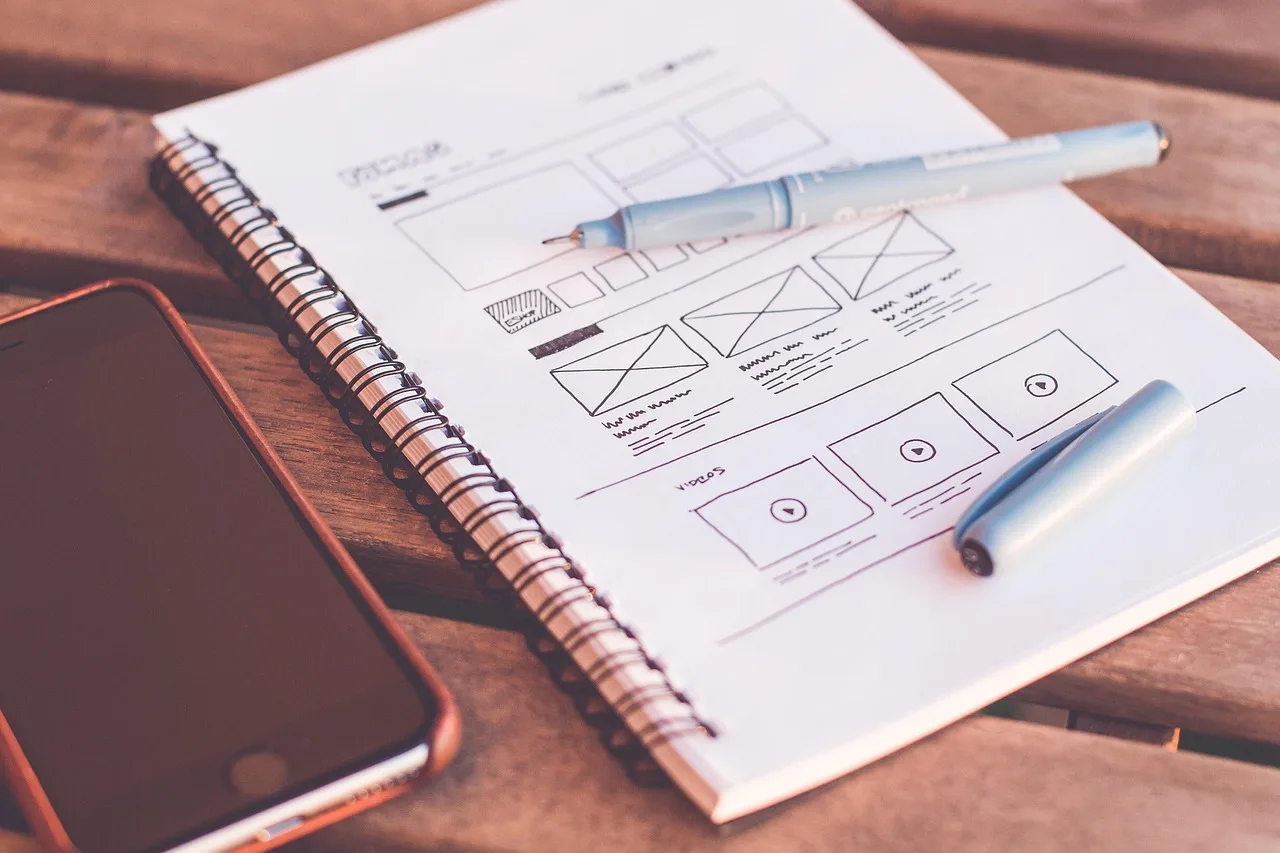
Human attention is the oldest bottleneck in product, and AI makes it worse by making everything cheap to produce. When generating interfaces costs minutes, the temptation is to add more—more notifications, more panels, more micro-interactions. That's the slot-machine trap: feedback that rewards engagement instead of understanding.
Use AI's speed to subtract. Prototype three lean versions instead of one busy one. Design feedback that confirms a user's intent quietly—like a checklist, not a jackpot. The interface that respects attention almost always wins on the metrics the CFO cares about.
Taste is still the moat
Here's the uncomfortable truth: AI can replicate a methodology, but it can't replicate taste. It will happily ship something plausible, on-brand and lifeless. Every interface carries a personality—confident or hesitant, warm or clinical—and that personality comes from a thousand small human judgements about tone, timing and restraint.
So keep humans on the decisions that compound: what to build, what to cut, how it should feel. Let AI handle the translation layer—turning agreed design into code. The teams that win won't be the ones who generate the most; they'll be the ones who generate inside a tight system and edit with taste.
Where this leaves your team
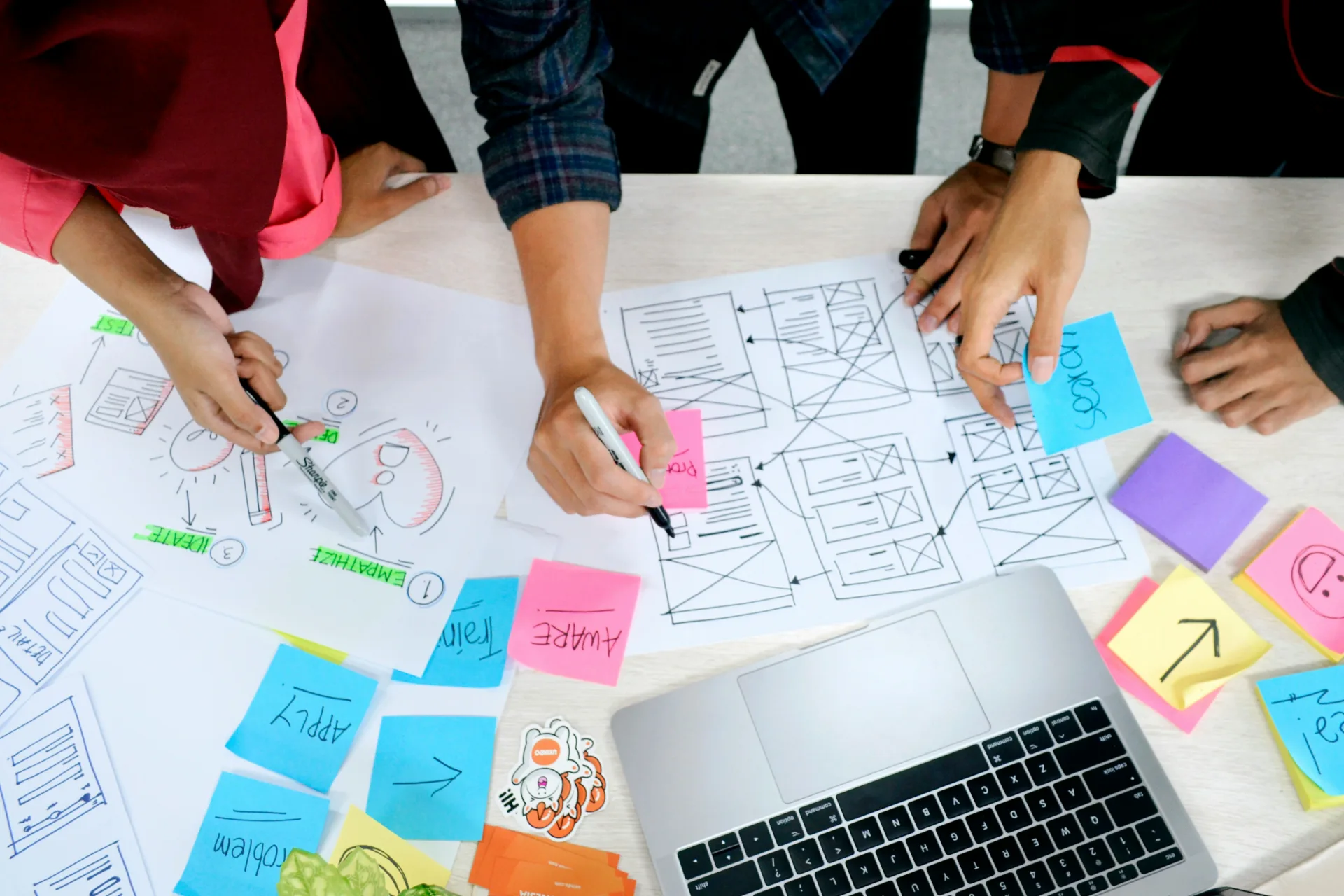
AI prototyping doesn't replace designers—it relocates their value. Less time pushing pixels into code, more time on system architecture, user judgement and the hard calls machines can't make. If you want AI to accelerate your design, invest first in the system it runs on. The payoff is design you can actually ship, at a speed that's finally worth explaining to the CFO.
Sources
- What I told the CFO when he asked why design matters — UX Collective
- Design in the material you ship — UX Collective
- Human attention is the new old bottleneck. We have to design for it even more. — UX Collective
- Playing the sanshin without a sound — UX Collective
- Why design (still) matters, Taste is not a methodology, Borrowed slopes — UX Collective
- UX designers are not designing interfaces, they design personalities — UX Collective