Key takeaways
- AI assistants now act autonomously across your apps — the opportunity is automating entire workflows, not single tasks.
- Automate high-frequency, low-risk work first: email triage, content ops, scheduling and data syncing.
- Apply least-privilege access and keep humans in the loop for anything irreversible.
- Check connector coverage and run limits before committing — the cheapest plan rarely runs your real workflows.
- Winners automate the right things with guardrails, not the most things.
The promise is simple: let an AI assistant read your inbox, draft the reply, schedule the follow-up and publish the YouTube description — all while you do something more valuable. The reality, until recently, was clunkier. But a quiet shift has happened. AI assistants have stopped being chatbots that wait for prompts and become agents that automate real work across your connected apps. The question for any business is no longer can we do this, but which workflows should we hand over, and how do we keep governance intact?
From chat to action: what changed
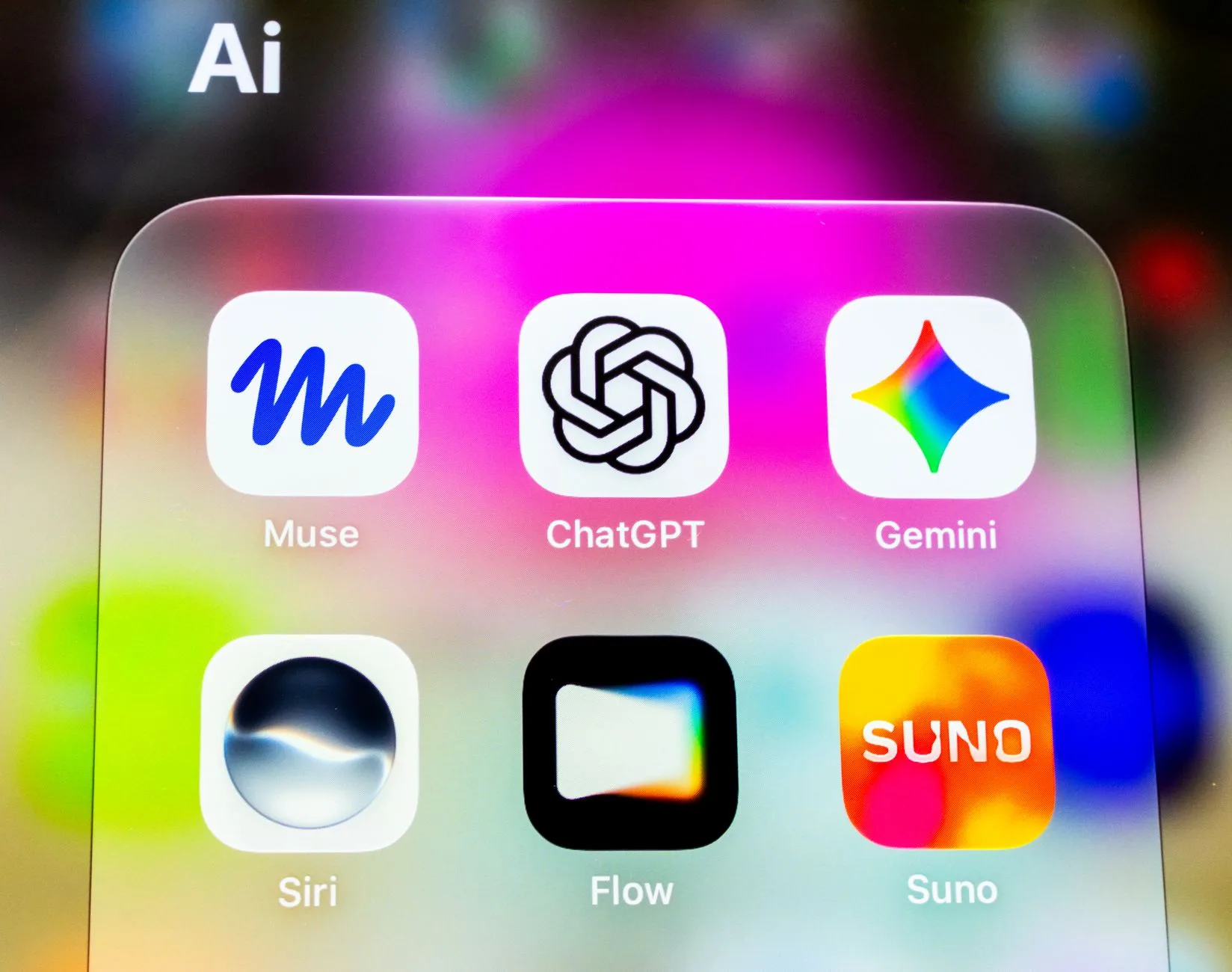
Models like Claude and the new wave of personal assistants (Muse, ChatGPT's agentic features, Claude Duet) now run semi-autonomously. They flag what matters, take actions in your tools, and build automations that keep running after you close the window. The connective tissue making this practical for most teams is a platform like Zapier, which links thousands of apps and lets an AI trigger entire multi-step workflows rather than a single API call.
That's the real unlock. A conversation with a capable model is useful. A conversation that ends with an invoice created, a Slack message sent and a calendar hold placed is leverage.
Workflows worth automating first
Not everything deserves an agent. Start where the work is repetitive, rules-based and high-frequency. In our client projects, these are the patterns that consistently pay off:
- Gmail and Outlook triage: auto-label, summarise long threads, draft context-aware replies, and surface only the emails that need a human. This is often the fastest route to a near-empty inbox.
- YouTube and content ops: when a video is published, generate the description, pull timestamps, post the announcement across channels, and log it in your content tracker.
- Calendar and scheduling: turn an email request into a booked meeting with the right attendees and a prepared brief.
- Marketing signal loops: feed purchases, sign-ups and registrations back into tools like Meta's Conversions API so your ad spend follows real intent instead of guesswork.
- Internal glue: move data between a CRM, a spreadsheet and a chat tool so nobody copies and pastes anything.
Let the assistant build the automation
The newest capability is subtle but powerful: you can ask the assistant to create the workflow, not just run inside one. Describe the outcome in plain language — "whenever a client emails about a quote, draft a reply and add a task" — and the agent assembles the Zap. That lowers the barrier for non-technical teams, but it raises the stakes on oversight.
Governance is the real differentiator

Here's where IT leaders lose sleep. Every time you hand an AI tool access to a work app, you widen the surface for something to go wrong — a wrong email sent, a record deleted, data leaving where it shouldn't. Tooling like Zapier MCP addresses this by connecting models such as Claude to your stack with governance built in: you decide exactly which actions the AI can take, and nothing more.
The principle we apply with every client is least privilege by design. The agent gets access to the specific actions a workflow needs, not blanket entry to an entire account. Reversible, low-risk tasks (drafting, labelling, summarising) can run autonomously. Irreversible or sensitive ones (sending to clients, moving money, deleting data) stay behind a human approval step until trust is earned.
Don't ignore the pricing math
Automation economics matter, and they're easy to misjudge. Microsoft Power Automate, for instance, layers plans and premium connectors on top of what you already pay for 365 — and teams are routinely surprised when the free tier doesn't include the connectors they actually need. Before committing to a platform, map which connectors, run volumes and premium features your real workflows require. The cheapest-looking tier is rarely the one that runs your business.
A pragmatic rollout

You don't need an "AI transformation" to start. You need one painful, repetitive workflow and a clear boundary around what the agent is allowed to do.
- Pick a high-frequency, low-risk task (inbox triage is a classic).
- Define the exact actions the AI may perform — and the ones it may not.
- Keep a human in the loop for anything irreversible until you've watched it run cleanly for a few weeks.
- Measure time saved and error rates, then expand to the next workflow.
The agencies and teams pulling ahead aren't the ones who automated the most. They're the ones who automated the right things, with guardrails that let them sleep at night. That balance — ambition on reach, discipline on control — is where AI agent workflows stop being a demo and start being an operating advantage.
Sources
- How to automate Claude safely with Zapier MCP — Zapier Blog
- Claude integrations: How to use Zapier with Claude (Fable 5.2, Opus 5.5, and more) — Zapier Blog
- Power Automate pricing and plans for 2026 — Zapier Blog
- How to automate your AI personal assistant — Zapier Blog
- Popular ways to automate Microsoft Outlook — Zapier Blog
- 5 ways to automate Meta's Conversions API tool with Zapier — Zapier Blog