Key takeaways
- App count keeps growing, but smart teams are shrinking the number of surfaces they actually think in.
- Standalone desktop AI agents turn scattered apps into a single coherent system via an orchestration layer.
- MCP lets you set up apps and skills once and share them across every AI tool your team uses.
- Evaluate new tools by their openness to automation — APIs and webhooks matter more than polish.
- The real cost of a tool is context-switching, not its licence fee.
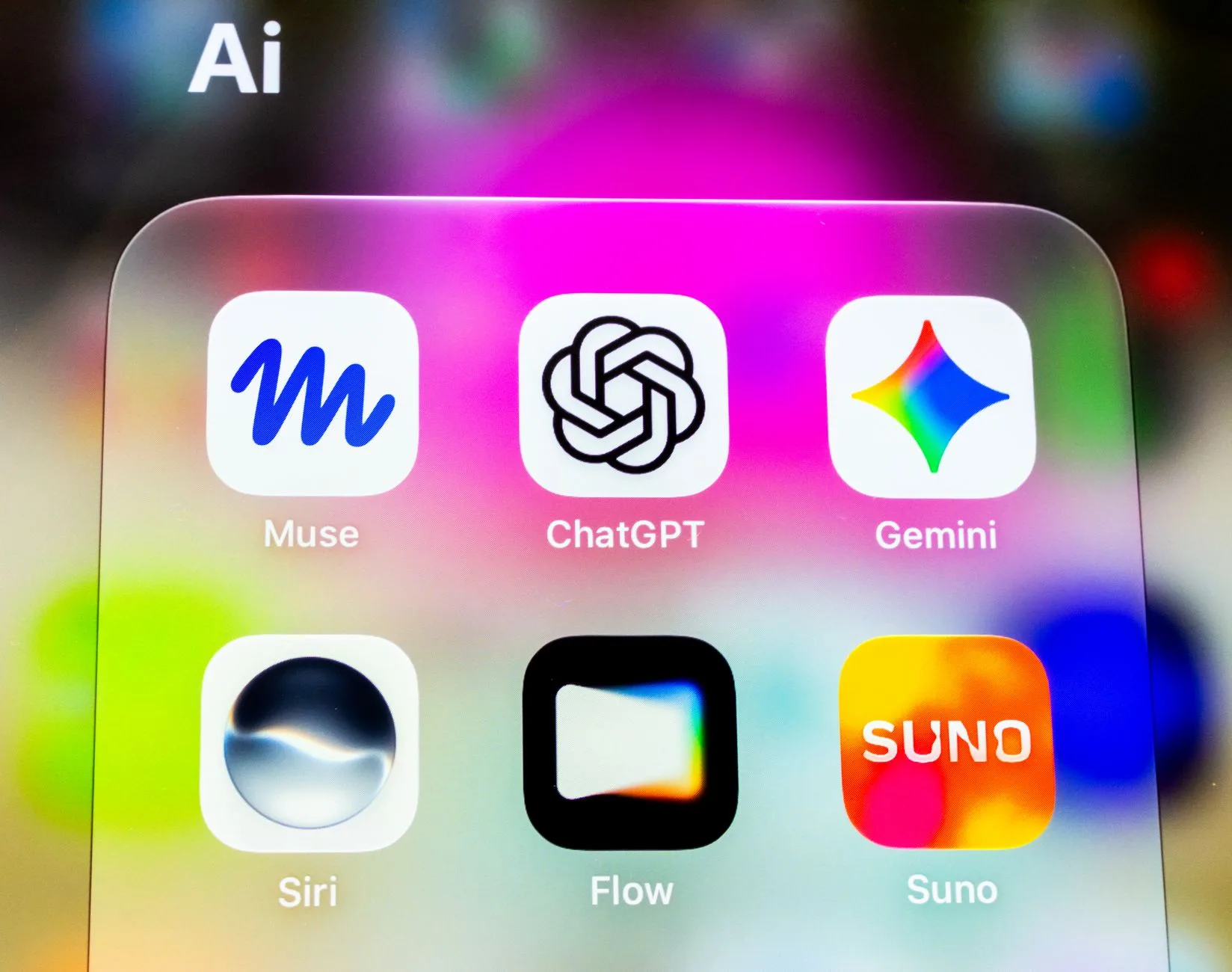
Here's a paradox worth sitting with: we have never had more apps, and yet the smartest teams are spending more energy collapsing them into fewer, smarter surfaces. Meta ships three messaging apps. Your support team lives in one AI tool, your engineers in another. Every form, scanner, and timer wants its own icon on your dock. The future isn't more apps — it's standalone agents that sit on your desktop and quietly orchestrate the rest. That shift is the real story of 2026.
The fragmentation problem nobody asked for
Look at the current landscape and a pattern emerges. Messaging is scattered across WhatsApp, Slack, Signal, iMessage, and Discord — which is exactly why aggregators like Beeper exist, promising one inbox for everything. Form building splits between the lightweight simplicity of Google Forms and the power-user depth of Jotform. Website creation forces a choice between Framer's design-first speed and Webflow's structural control. Even a task as humble as scanning a receipt now has a dedicated OCR app category.
None of these tools are bad. The problem is the cognitive tax of context-switching between them. Every app is a login, a notification stream, a mental model, and a data silo. For a business, that fragmentation shows up as slower onboarding, inconsistent data, and workflows that break at the seams between tools.
The counter-move: consolidation through agents
The antidote isn't picking one app and abandoning the rest — it's adding an orchestration layer that speaks to all of them. This is where standalone AI agents on the desktop change the equation. Instead of opening five apps, you brief one agent that already has access to them.
The protocol making this practical is MCP (Model Context Protocol). The direction of travel is telling: rather than configuring a separate connector for every AI tool, teams now point Claude, ChatGPT, and Cursor at a single shared server. Set up your apps and skills once — connect Zendesk, your CRM, your calendar — and every AI tool on the team inherits the same capabilities. One source of truth, many interfaces.
Why this matters for how work actually happens
Consider the messaging-app chaos through this lens. The value of a universal inbox isn't just tidiness — it's that an agent sitting on top of a unified message stream can triage, summarise, and draft replies across channels without you teaching it five different APIs. The same logic applies to forms, documents, and OCR: once an agent can read a scanned contract, extract the terms, and push them into your pipeline, the individual apps become plumbing rather than destinations.
What a desktop agent stack looks like in practice
At Evocative we think about this as a small number of deliberate layers rather than a sprawl of disconnected tools:
- The surface — the agent interface you actually talk to (a desktop assistant, your IDE, your chat tool). This is where humans give intent.
- The orchestration layer — automation platforms like n8n or MCP-style servers that hold the connections, credentials, and reusable skills.
- The apps as capabilities — your forms, scanners, CRMs, and messaging tools, exposed not as destinations but as actions the agent can trigger.
Done well, this inverts the usual relationship. You stop navigating to apps; the apps come to you through an agent that knows your context.
How to choose tools in an agent-first world
The old evaluation criteria — nicest UI, cheapest tier, most familiar brand — still matter, but a new question now dominates: how well does this app expose itself to automation and agents? A slightly less polished form builder that integrates cleanly into your orchestration layer will beat a prettier one that locks data behind a closed interface.
Practical guidance for teams building their stack:
- Favour open connectivity. APIs, webhooks, and MCP support are no longer nice-to-haves — they determine whether an app can participate in agentic workflows at all.
- Consolidate credentials and skills once. If every tool needs its own setup, you've just moved the fragmentation rather than solving it.
- Keep a human in the loop for judgement calls. Agents are brilliant at orchestration and dreadful at unflagged edge cases. Design approval gates where the cost of being wrong is high.
- Measure switching cost, not just licence cost. The real expense of a tool is the time your team loses moving between it and everything else.
The quiet winner: fewer surfaces, more leverage

The through-line across all these 2026 trends — universal messaging, shared MCP servers, OCR that feeds pipelines, form tools that integrate — is the same. The app count isn't shrinking, but the number of places you need to think is. Standalone desktop agents are becoming the single pane through which fragmented apps become a coherent system.
For businesses, the opportunity is concrete: audit where your team is paying the context-switching tax, then design an orchestration layer that lets agents do the running between apps. That's not a futuristic bet. It's a competitive one, and the teams building it now are the ones who'll move fastest next year.
Sources
- The best all-in-one messaging app in 2026 — Zapier Blog
- The best mobile scanning and OCR software in 2026 — Zapier Blog
- Framer vs. Webflow: Which website builder should you use? [2026] — Zapier Blog
- Use one Zapier MCP server across all your AI tools — Zapier Blog
- The 5 best Pomodoro timer apps in 2026 — Zapier Blog
- Google Forms vs. Jotform: Which should you use? [2026] — Zapier Blog