Key takeaways
- Agentic workflows add AI judgment and multi-step reasoning where traditional automations only fired fixed actions.
- Match models to steps—cheap tiers for routing, flagship models only for hard reasoning—to balance quality and cost.
- Choose a platform based on who builds workflows and how multi-vendor your stack is, not on feature checklists alone.
- Production reliability comes from designing for failure, explicit context, logging, and starting narrow.
- Treat workflows as versioned, monitored products—that's what turns automation into compounding operational advantage.
The word workflows used to mean something modest: a trigger, an action, maybe a filter in between. Lead comes in, row gets added to a spreadsheet, someone gets a Slack ping. That model still has its place, but it's no longer where the value is. The interesting frontier now is agentic workflows—chains where an AI model doesn't just fire a single response but reasons across multiple steps, decides what to do next, and hands off to the right tools to complete a genuinely complex task end-to-end.
At Evocative Studio we've built enough of these to know the gap between a slick demo and a system that survives contact with real business data. Here's how we approach it, and where the current tooling landscape actually helps.
What makes a workflow "agentic"
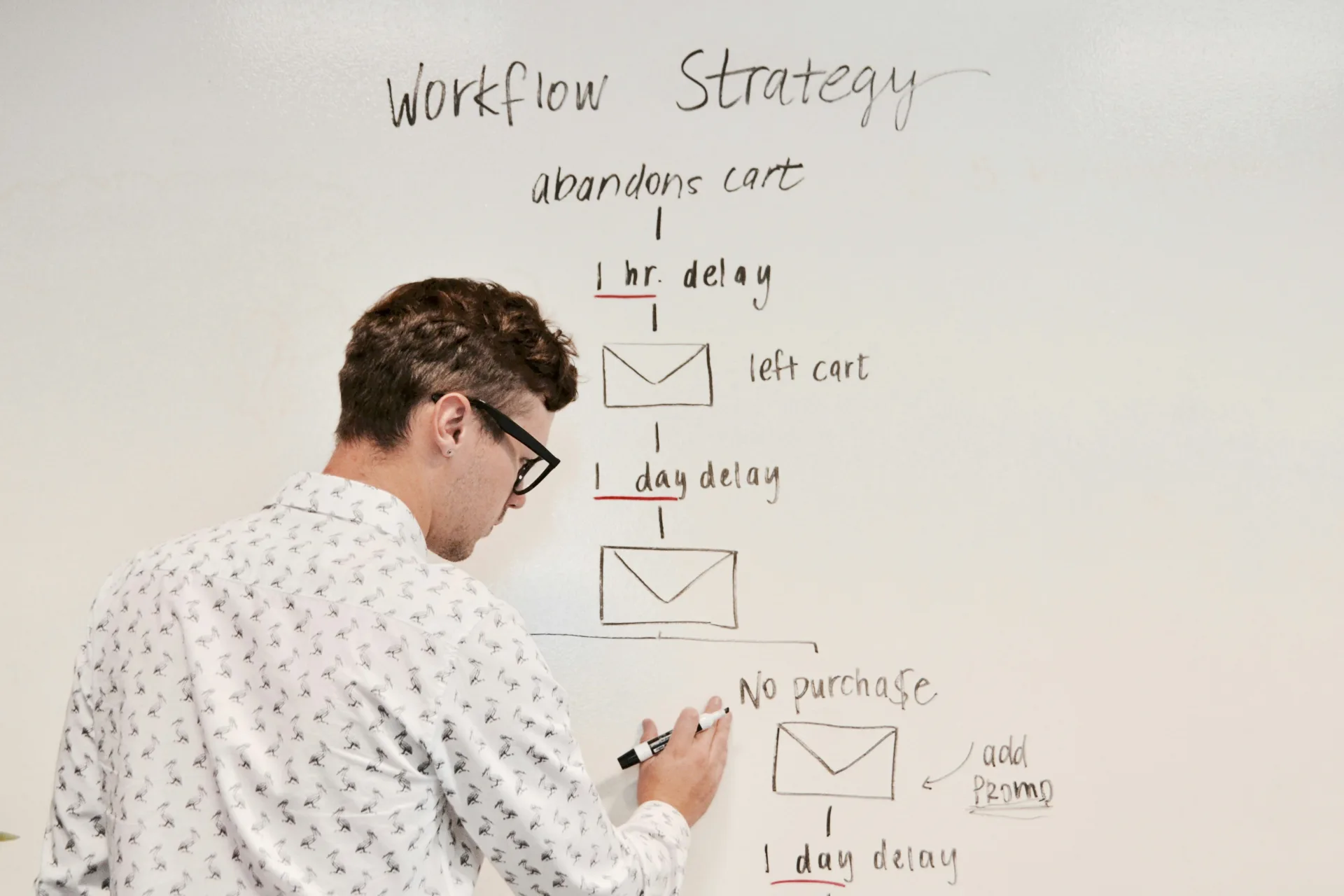
A traditional automation is deterministic: given the same input, it always does the same thing. An agentic workflow introduces judgment. The AI model reads context, classifies the situation, chooses a branch, and often calls other tools or models mid-flow. Think of a support ticket that gets triaged, enriched with account data, drafted a reply, and escalated only if sentiment crosses a threshold—all without a human touching it until the final review.
This is why platforms now benchmark models on multi-step execution rather than one-off prompts. A model that writes a beautiful paragraph in isolation can still fall apart when asked to carry context across six sequential actions. The reliability of the chain, not the eloquence of any single output, is what determines whether the workflow is production-grade.
Choosing the right model for each step

One of the most common mistakes we see is picking a single flagship model and forcing every step through it. That's expensive and often worse-performing. New model tiers arrive almost weekly, and each has a sweet spot:
- Fast, cheap tiers for classification, routing, and short extraction tasks where latency and cost matter more than depth.
- Mid-tier reasoning models for drafting, summarising, and structured decision-making inside the flow.
- Top-tier models reserved for the genuinely hard reasoning steps—complex analysis, nuanced tone, or high-stakes judgment.
- Image and multimodal models when the workflow needs to generate visuals, product mockups, or process screenshots as part of the output.
Mixing models by step is how you keep quality high and budgets sane. The goal isn't the smartest model everywhere—it's the right model in the right slot.
Picking a platform: capability vs. usability

The tooling market has quietly split into camps, and the right choice depends less on feature checklists than on who in your organisation will build and maintain the workflows.
Developer-first vs. team-first
Developer-oriented platforms offer maximum flexibility—arbitrary code, fine-grained control, custom logic. The unspoken cost is that only your engineers can build or fix anything, which becomes a bottleneck the moment you want automation to scale across marketing, ops, and sales. Team-first platforms trade some raw power for the ability to let non-technical staff ship and iterate. For most companies trying to spread AI adoption quickly, that accessibility is the more valuable lever.
Ecosystem lock-in
If your stack lives almost entirely inside Microsoft 365, a native tool like Power Automate is a sensible starting point for Microsoft-to-Microsoft flows. But most real businesses run a patchwork of vendors—CRM here, e-commerce there, three different messaging tools—and cross-vendor platforms that connect natively across everything usually win once complexity rises.
One-off vs. platform thinking
Plenty of tools are excellent at fixing a single annoyance: connect this form to that CRM, done. The trouble starts when you want to filter leads, branch on conditions, enrich data, and add AI reasoning. A tool built for one-off connections hits a ceiling fast. If you expect to grow into orchestration and agents, choose the platform you'll grow into, not out of.
Building agentic workflows that survive production
From our engagements, a few principles separate durable systems from fragile ones:
- Design for failure. AI steps will occasionally produce garbage. Add validation, fallbacks, and human-in-the-loop checkpoints at high-stakes moments.
- Keep context explicit. Don't rely on the model to remember—pass structured context between steps so behaviour stays predictable.
- Instrument everything. Log inputs, outputs, and decisions so you can debug and improve rather than guess.
- Start narrow. Automate one high-value, high-friction process end-to-end before you attempt a sprawling agent that does everything.
The businesses getting real returns aren't the ones chasing the newest model announcement. They're the ones treating workflows as products—versioned, monitored, and continuously refined. That's where automation stops being a novelty and starts compounding into genuine operational advantage.
Sources
- Which AI models can you automate on Zapier? (GPT-5.6 Sol, Gemini 3.6 Flash, Opus 5, and more) — Zapier Blog
- The 8 best AI image generators in 2026 — Zapier Blog
- How to automate ChatGPT (GPT-5.6 Sol, GPT-5.6 Terra, and more) — Zapier Blog
- Zapier vs. Power Automate: Which is best? [2026] — Zapier Blog
- Pipedream vs. Zapier: Which is best? [2026] — Zapier Blog
- Integrately vs. Zapier: Which is best? [2026] — Zapier Blog